
Do I need web hosting for WordPress?
Yes, WordPress needs hosting if you are using the self-hosted WordPress.org software. The host runs PHP, the database, files, backups, SSL, email tools, and the control panel.
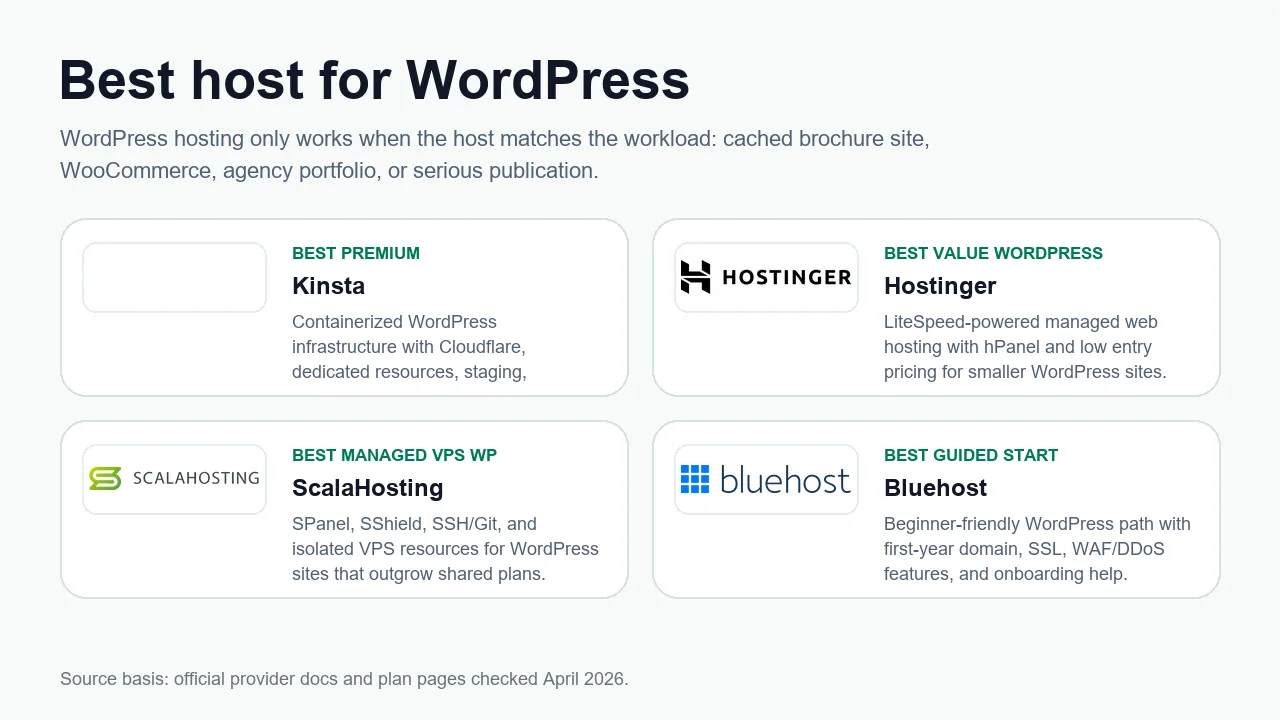
This guide separates WordPress software, managed WordPress hosting, normal web hosting, and WordPress.com so you don't buy the wrong thing.
- Difficulty
- Beginner
- Format
- Simple answer
- Updated
- May 2, 2026
Quick answer
If you use self-hosted WordPress from WordPress.org, you need hosting. If you use WordPress.com, the hosting is part of that service. Most people comparing web hosts are shopping for the self-hosted WordPress.org path.
WordPress.org is the software you can install on many hosts. WordPress.com is a hosted service that runs WordPress for you.
Your WordPress hosting options
Shared WordPress hosting
The simplest cheap path for a new WordPress site, blog, portfolio, or small business site.
Managed WordPress hosting
A better fit when staging, backups, caching, support, malware help, or team workflows matter.
Managed VPS
Good when you want more isolation and control but still need help with server management.
Raw VPS
Only buy this if you can secure, patch, monitor, back up, and restore the server yourself.
What WordPress hosting must support
WordPress.org lists PHP, a MySQL or MariaDB database, HTTPS, and a compatible web server as the important pieces. A good host should also make backups, SSL, caching, and updates easy.
The host should support a current PHP version and make version changes simple.
WordPress needs MySQL or MariaDB for posts, pages, settings, and users.
SSL should be free or easy to enable before launch.
You need a restore path before plugin updates or migrations.
What should you buy?
First personal site
Use shared WordPress hosting. Keep the cost low and learn the basics.
Business site
Use shared WordPress or managed WordPress with backups and migration help.
WooCommerce
Start stronger. Caching, PHP workers, backups, support, and staging matter more.
Agency or client sites
Use managed WordPress, managed VPS, or a platform built for many sites and support workflows.
Next step: read Best host for WordPress or How to install WordPress on hosting.
Official sources checked
Used for PHP, database, HTTPS, Apache, and Nginx requirements.
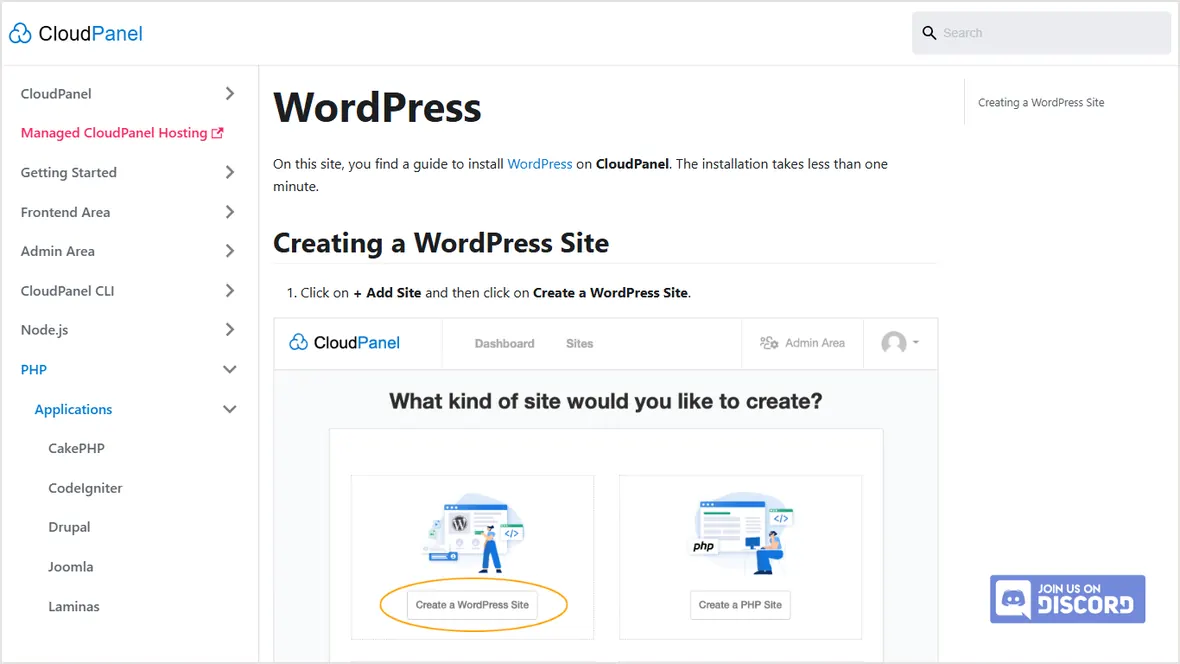
Used as an example of managed WordPress hosting packaging.
Used for internal routing to provider recommendations.