
Best host for WordPress in 2026: picks by site type
The right WordPress host depends on whether the site is a low-cost blog, WooCommerce store, agency portfolio, business-critical site, or managed VPS project.
 By WebHostWatch editors
Updated April 26, 2026
By WebHostWatch editors
Updated April 26, 2026
The recommendations use product fit, isolation model, backups, support, staging, renewal risk, and official provider documentation. They are not star ratings.
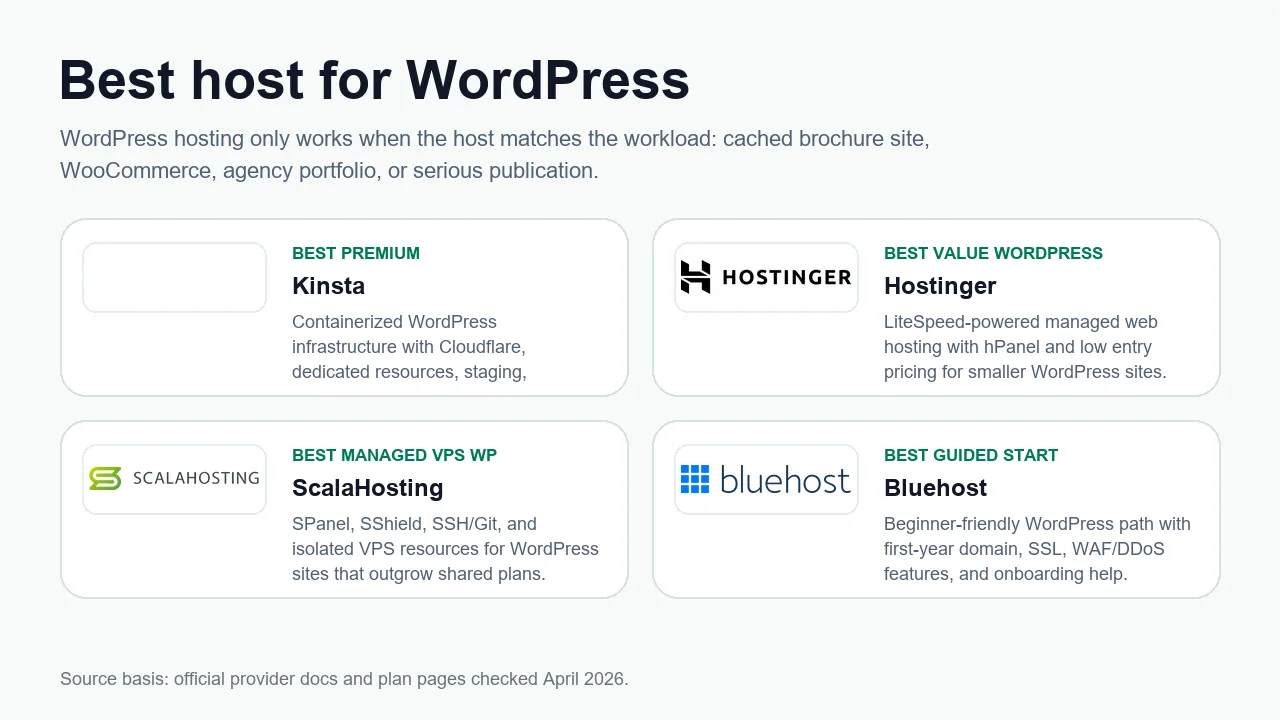
Quick picks
| WordPress workload | Best fit | Why It's best for this | Watch before buying |
|---|---|---|---|
| Premium WordPress operations |  Kinsta Kinsta | Best for teams that want container isolation, Cloudflare security, backups, staging, and WordPress-specific support. | Higher cost and less server-level freedom. |
| Budget WordPress value |  Hostinger Hostinger | Strong fit for low-cost WordPress with hPanel, LiteSpeed, NVMe, CDN, and guided onboarding. | Renewal price and support depth should be checked. |
| First WordPress site |  Bluehost Bluehost | Familiar beginner flow, WordPress-focused plans, AI site tools, and mainstream documentation. | Not the cleanest long-term value if speed and renewals are priorities. |
| Managed VPS WordPress |  ScalaHosting ScalaHosting | A strong fit when WordPress needs more isolation and SPanel management without raw VPS work. | Confirm exact managed scope and resource allocation. |
| Green WordPress shared hosting |  GreenGeeks GreenGeeks | Good for normal WordPress sites where green-energy positioning matters. | Not a substitute for a managed WooCommerce or VPS platform. |
| Simple managed WordPress from a registrar |  Namecheap Namecheap | EasyWP works when you want a contained WordPress product tied to a Namecheap account. | Shared hosting and EasyWP have different limits and workflows. |
Workload fit
Hostinger or GreenGeeks is enough if the site is mostly cached pages, contact forms, and a small plugin stack.
Move toward Kinsta or ScalaHosting when cart, checkout, and account pages become important. Those requests are harder to cache.
Prioritize staging, backups, site isolation, and support scope over headline storage numbers.
Migration plan
don't migrate WordPress by copying files only. Export the database, confirm PHP version support, install SSL, test permalinks, run a mixed-content check, and keep the old host active until DNS has propagated and checkout or forms have been tested.