
How to install WordPress on a VPS with CloudPanel
CloudPanel is a lean VPS path for WordPress when email and DNS live outside the server. Install the panel, create the site, then verify DNS, SSL, and backups.
 By WebHostWatch editors
Updated April 28, 2026
By WebHostWatch editors
Updated April 28, 2026
1. Prepare the VPS first
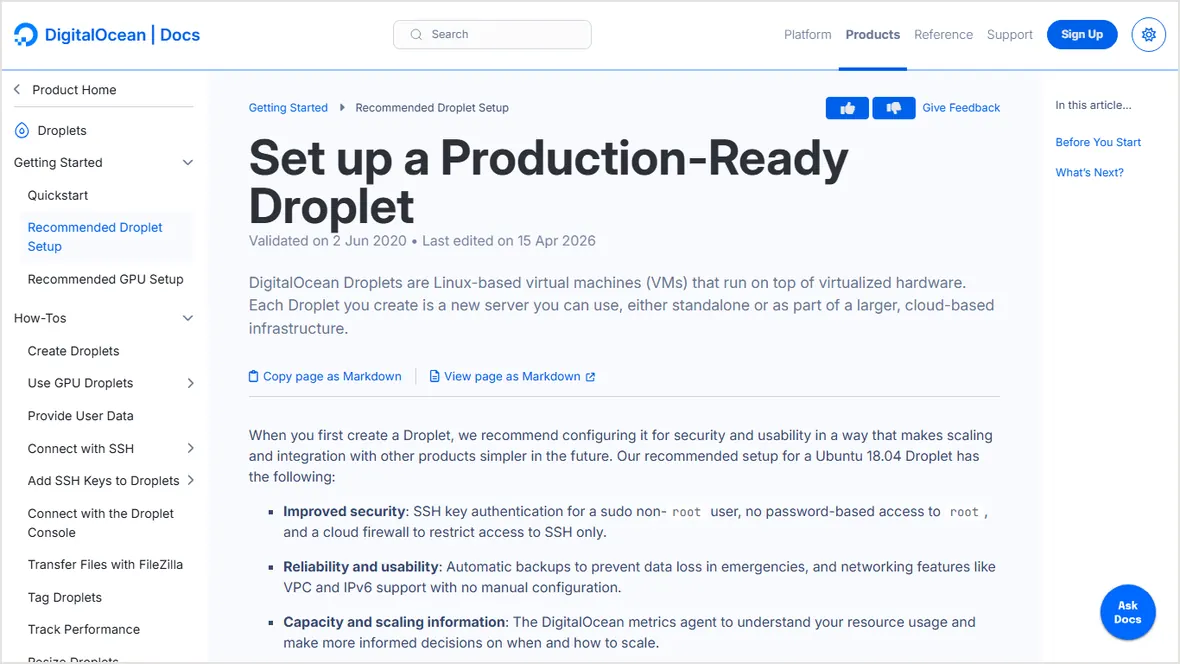
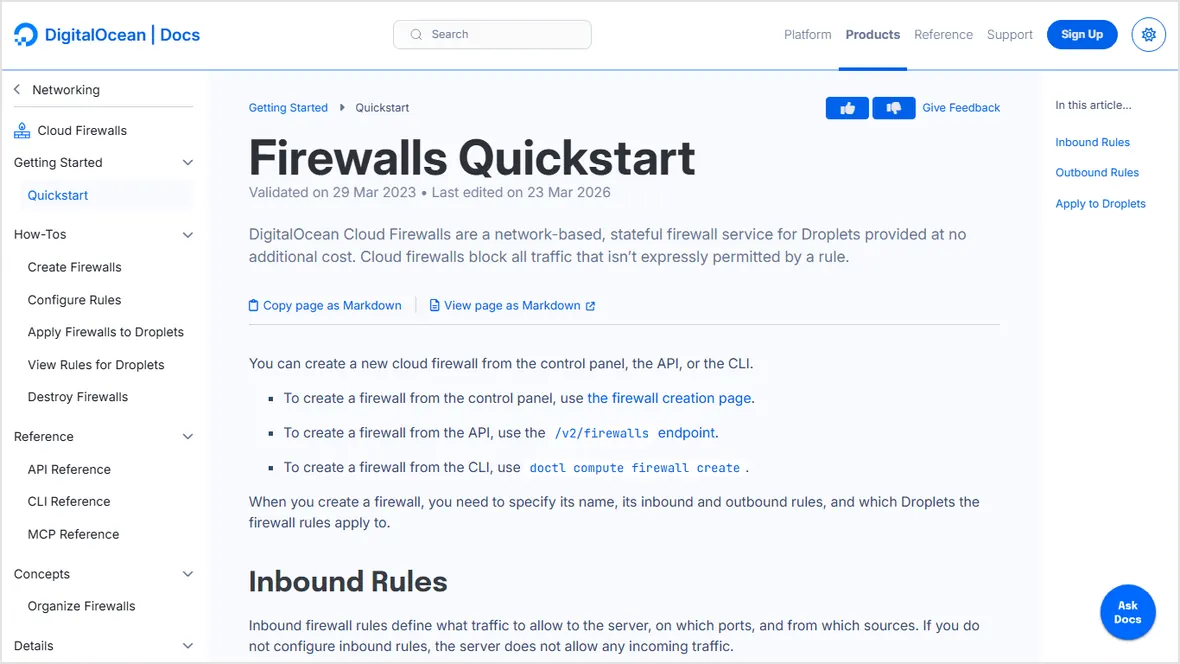
Start with a fresh supported Linux image, SSH keys, package updates, provider firewall, and server firewall. don't install CloudPanel on a dirty server with old web-stack packages.
2. Install CloudPanel and log in
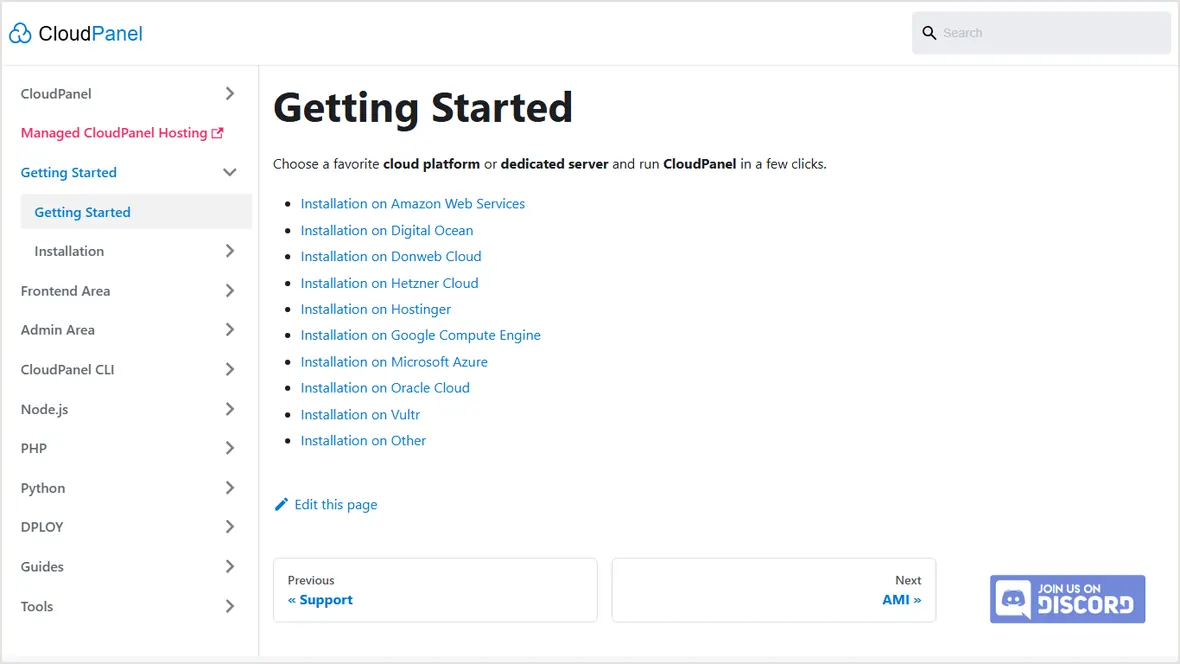
Follow CloudPanel's current installation path for the supported OS. After install, log in, update the admin password, and restrict panel access where possible.
3. Create the WordPress site
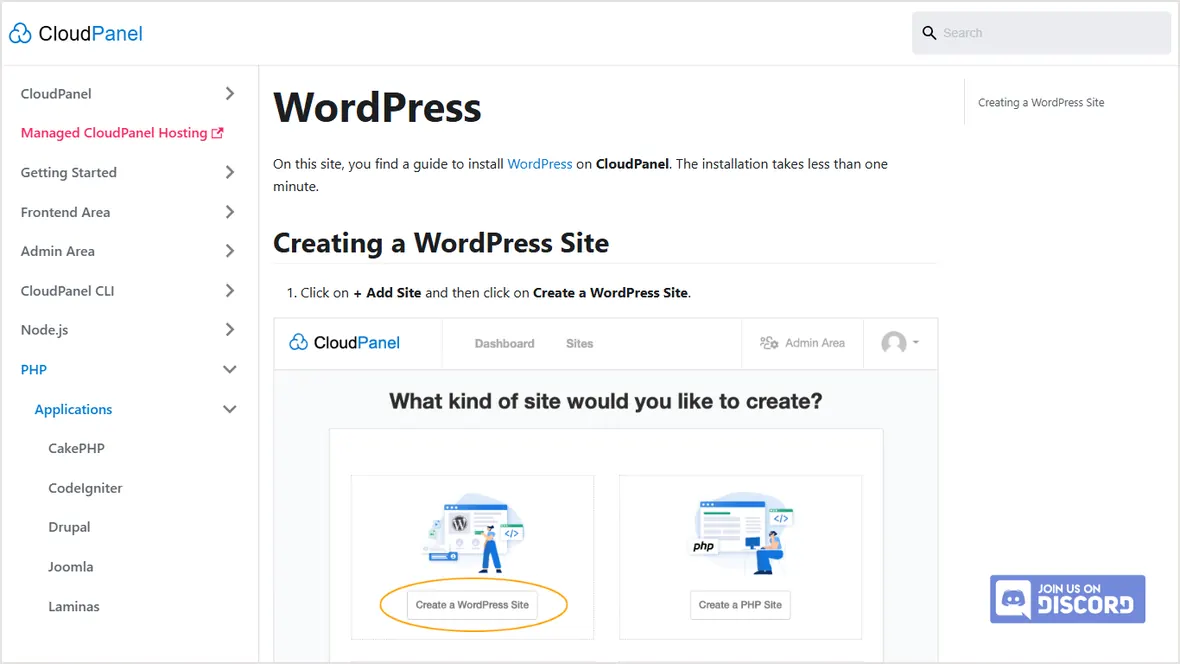
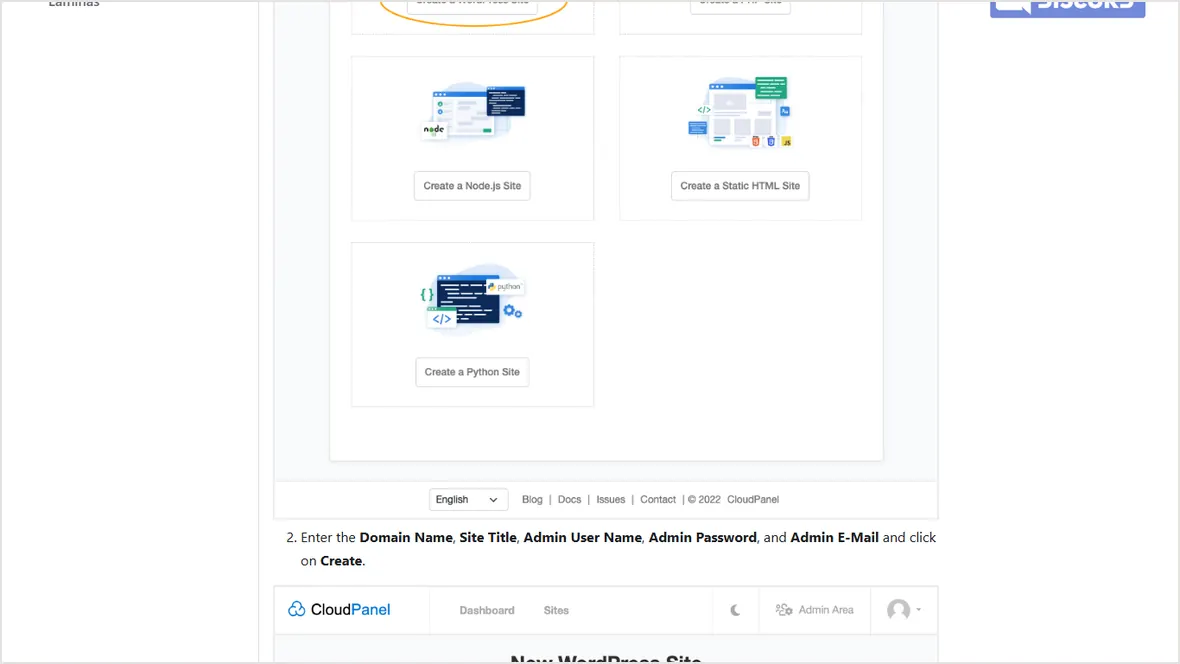
Add the domain, choose the PHP version, create the WordPress application, save the admin credentials, and replace temporary passwords immediately.
4. Point DNS, issue SSL, and add backups
A record points to the VPS and www resolves correctly.
Certificate is issued after DNS resolves to the server.
File and database backups are stored off-server.
OS, panel, WordPress, theme, and plugins have a maintenance routine.
Official sources checked
Used for panel setup path.
Used for WordPress application creation path.
Used for VPS hardening context.