
What is a domain name?
A domain name is the human-readable address for a website, like example.com. It doesn't store the site by itself; it points people to the right hosting through DNS records.
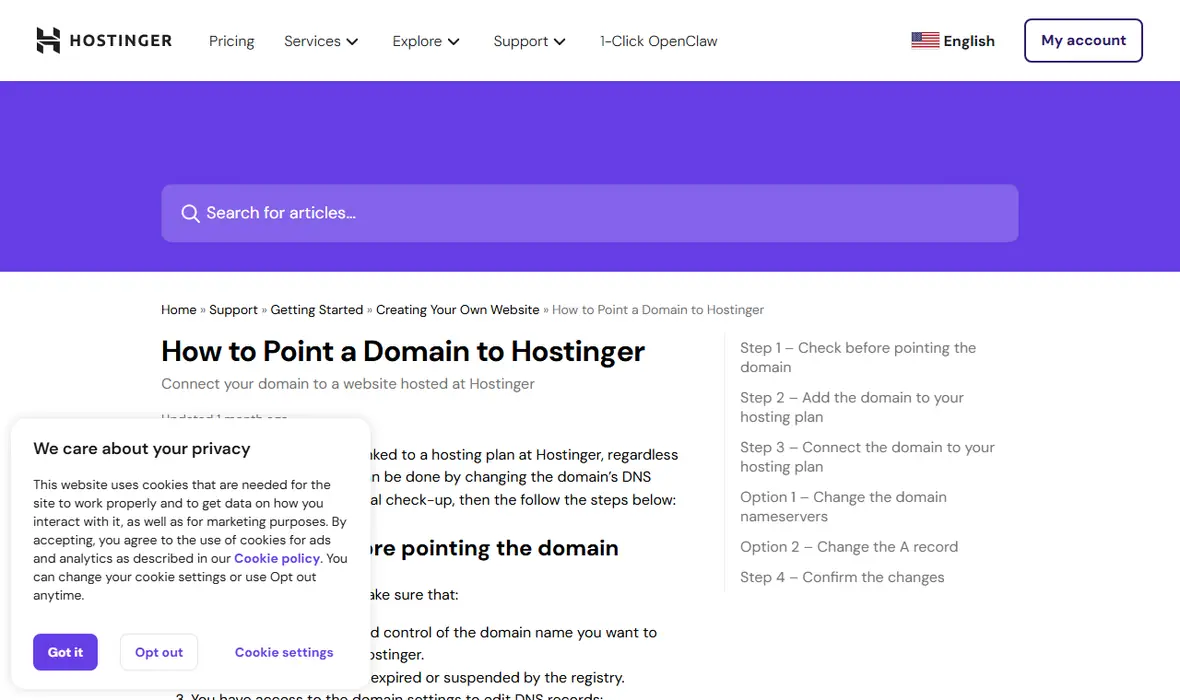
Use this when you bought a domain and still cannot tell whether you need nameservers, A records, hosting, or email records.
- Difficulty
- Beginner
- Format
- Simple answer
- Updated
- May 2, 2026
Quick answer
A domain name is an address people can remember. The website doesn't live inside the domain. The domain uses DNS records to send visitors to the server that hosts the site.
Buying a domain gives you the address. Buying hosting gives you the place to put the website. DNS connects the two.
How DNS fits in
Nameservers
Nameservers tell the internet which provider manages the DNS zone. Changing nameservers moves DNS control to another provider.
A record
An A record points a domain or subdomain to an IPv4 address, usually the web server IP.
CNAME record
A CNAME points one hostname to another hostname. It's often used for www.
MX and TXT records
MX records route email. TXT records often hold SPF, DKIM, DMARC, and service verification values.
How to point a domain to hosting
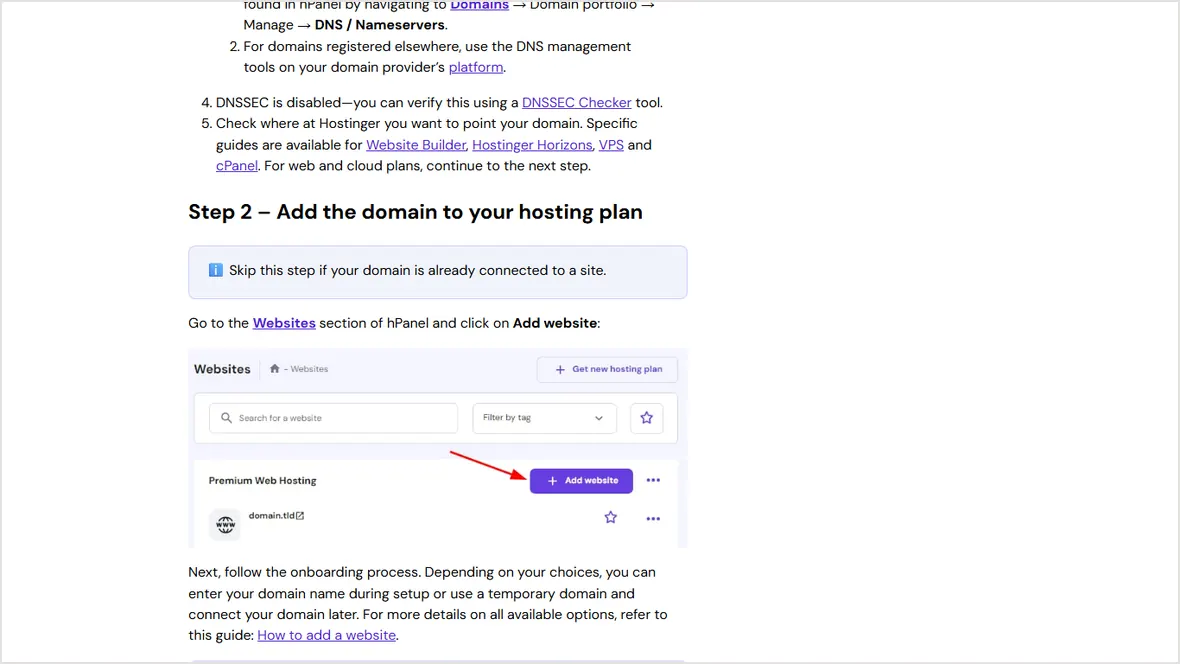
Add the domain inside the hosting account
The host needs to know which website or folder should answer for the domain.
Choose nameservers or records
Use nameservers when the host should manage the whole DNS zone. Use A and CNAME records when you want DNS to stay at the registrar, Cloudflare, or another DNS provider.
Protect email before changing DNS
Copy MX, SPF, DKIM, and DMARC records first. Email breaks when nameservers change and mail records are not recreated.
Verify the final result
Check the root domain, www, HTTPS, redirects, email, and the sitemap after DNS has had time to update.
Common domain mistakes
This can break email or third-party records.
The root domain and www need to be handled together.
Use the IP or nameservers shown in the current hosting panel.
DNS can point correctly before HTTPS is issued.
Next step: follow How to point a domain to web hosting for a full checklist.
Official sources checked
Used for nameserver, A record, and email-record cautions.
Used for the warning to use account-specific nameserver values.
Used for MX, SPF, DKIM, and DMARC routing.