
How to point a domain to web hosting
Connect the domain first, then build. This guide shows when to use nameservers, when to use A and CNAME records, and what to check before changing DNS.
 By WebHostWatch editors
Updated April 28, 2026
By WebHostWatch editors
Updated April 28, 2026
1. Choose nameservers or individual DNS records
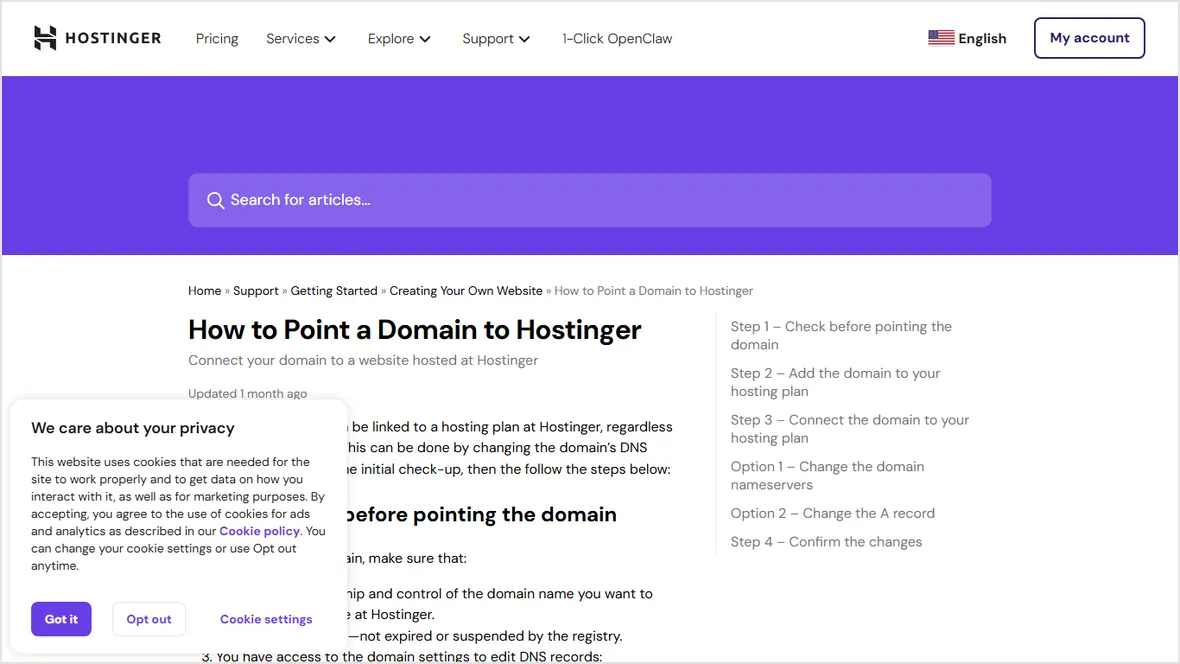
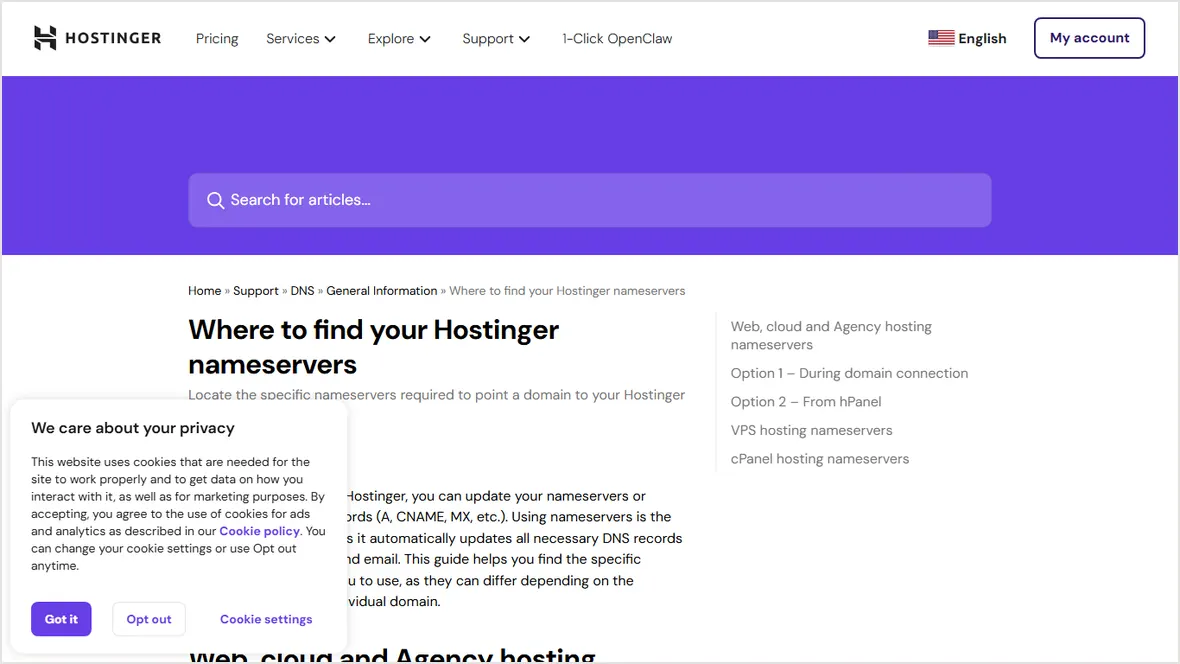
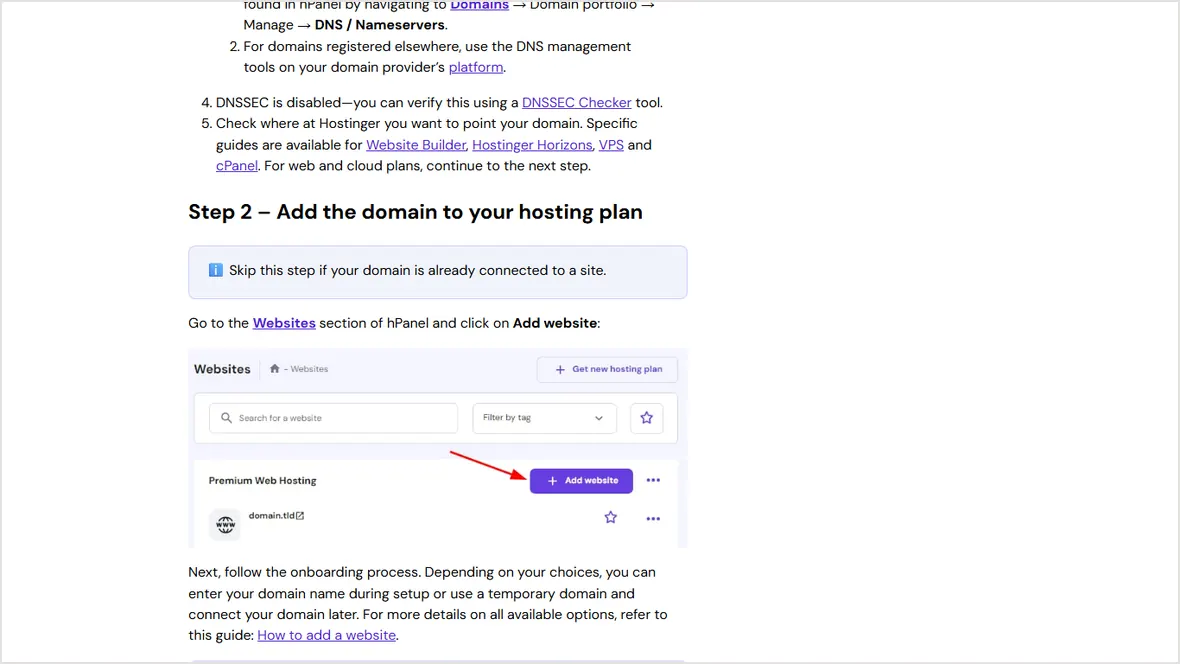
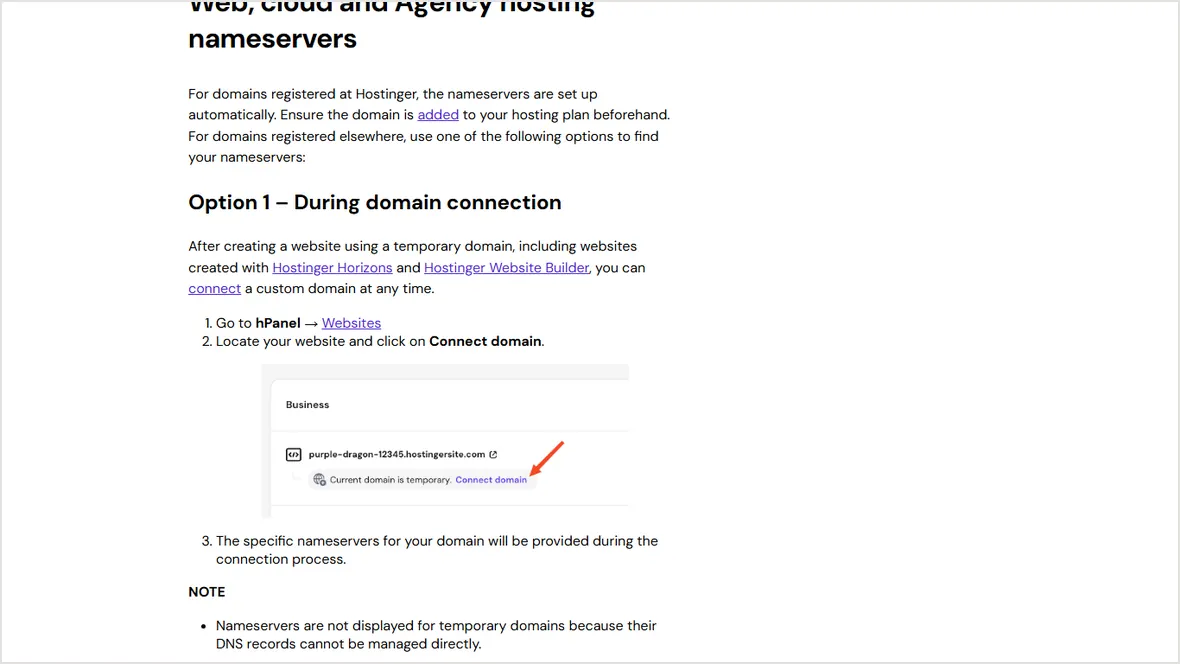
Use nameservers when the host should manage everything
Nameservers are the simple path for a new site with no existing email, no custom records, and no company DNS policy. The hosting provider can create the web, SSL, and default records from one panel.
Use A and CNAME records when DNS stays somewhere else
Keep DNS at Cloudflare, a registrar, or a company DNS account when email, security, or other apps already depend on that zone. In that case, point only the root domain and www record to the host.
If email already works, don't change nameservers until MX, SPF, DKIM, and DMARC records are documented.
2. Copy the existing DNS records before changing anything
Export the zone file if the DNS provider supports it. If not, record every existing MX, TXT, CNAME, A, AAAA, and verification record. This protects email, analytics, search console, payment apps, and third-party services.
MX, SPF, DKIM, and DMARC records are copied before the change.
Verification records for Google, Microsoft, Stripe, and other tools are preserved.
The old hosting account stays active until the new site is verified.
Old nameservers or old A records are saved in a note.
3. Make the DNS change
For nameservers
Open the registrar, replace the old nameservers with the host-provided nameservers, save, then wait for propagation. don't edit individual records at the registrar after delegating nameservers to the host.
For A and CNAME records
Set the root domain A record to the host IP. Set www as a CNAME to the root domain when the provider recommends it. Keep email records unchanged.
4. Verify DNS, SSL, and email
dig +short example.com
dig +short www.example.com
curl -I http://example.com
curl -I https://example.comRoot and www resolve to the expected host.
HTTP redirects to HTTPS after the certificate is issued.
Send and receive a test message after DNS changes settle.
Canonical URL, sitemap, and robots.txt use the final domain.
Official sources checked
Used for nameserver versus A record setup logic.
Used for nameserver lookup and exact-value warnings.
Used for onboarding and account setup context.