
What is cPanel?
cPanel is a hosting control panel that gives you a browser-based way to manage website files, domains, email, databases, SSL, backups, and common hosting settings.
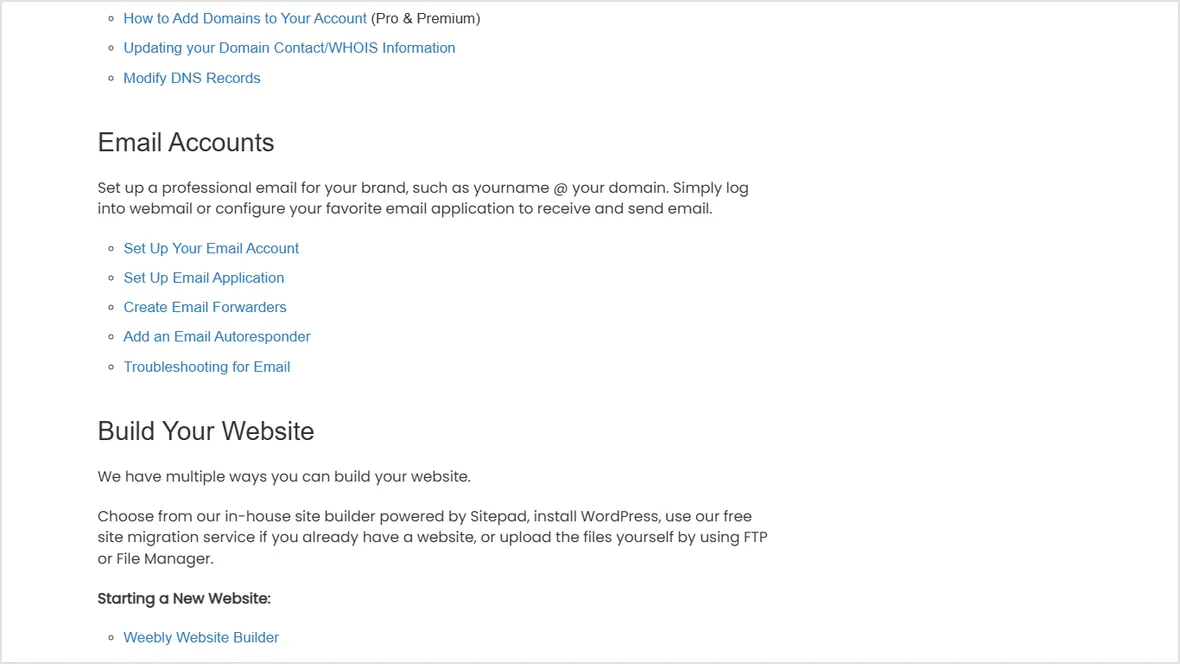
You don't always need cPanel specifically. You need a control panel that lets you do the hosting tasks your site requires without breaking DNS, email, or SSL.
- Difficulty
- Beginner
- Format
- Simple answer
- Updated
- May 2, 2026
Quick answer
cPanel is a common hosting control panel. It's not the hosting itself. It's the dashboard many hosts use so customers can manage sites, domains, databases, email, SSL, files, backups, and common account settings.
The server runs the site. cPanel is one way to manage the account on that server.
What cPanel lets you do
Manage files
Upload, edit, delete, and organize website files without opening an SSH terminal.
Create databases
Set up MySQL databases and database users for WordPress and other apps.
Handle domains
Add domains, subdomains, redirects, parked domains, and sometimes DNS records.
Manage email
Create mailboxes, forwarders, autoresponders, filters, and webmail access if your host includes email.
Enable SSL
Use AutoSSL or provider SSL tools to issue certificates and keep HTTPS working.
Check resource use
View storage, bandwidth, errors, logs, and account limits depending on the host setup.
cPanel alternatives are common
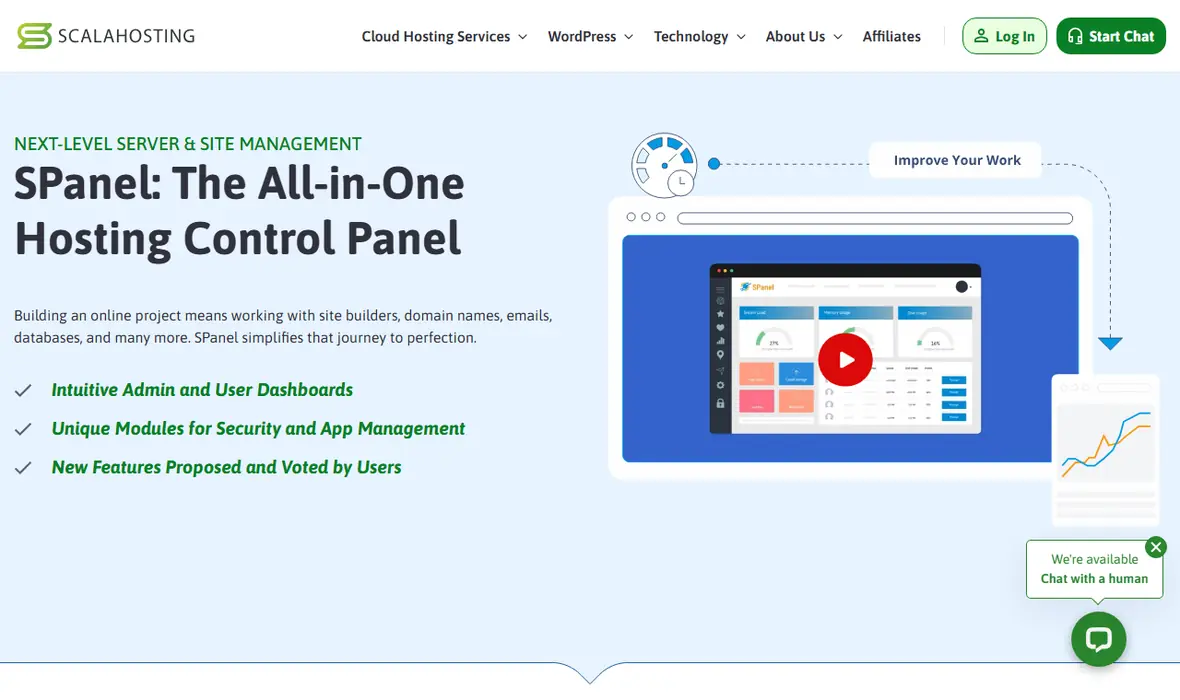
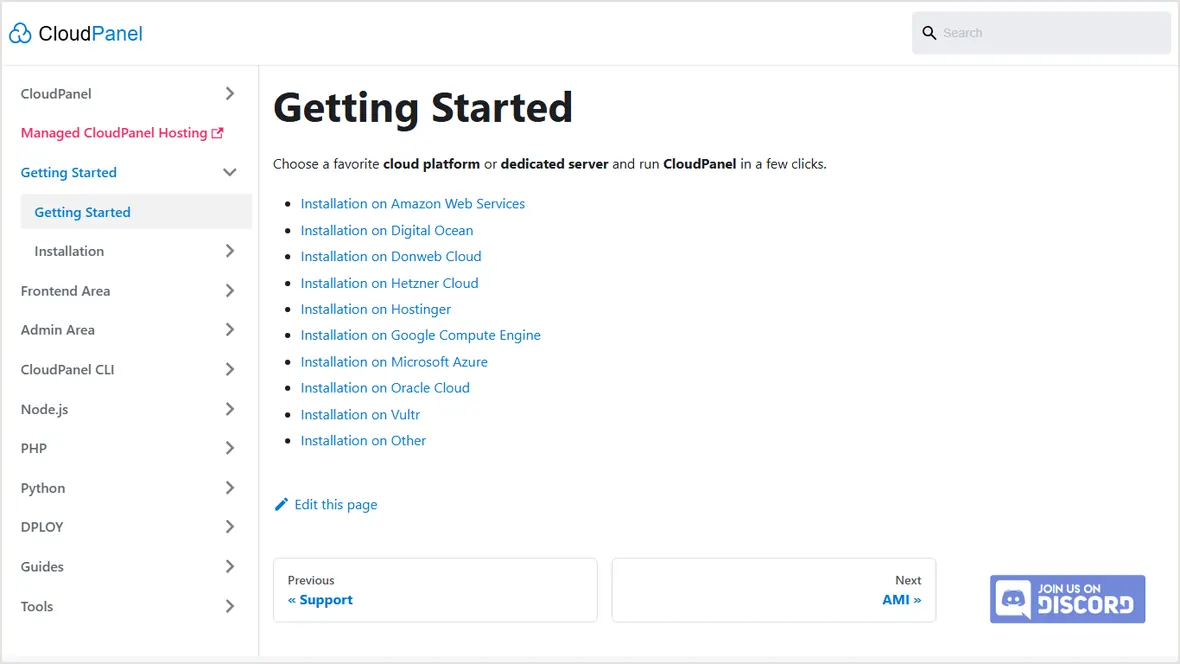
Many hosts use their own dashboard or a different panel. Hostinger uses hPanel on many shared plans. ScalaHosting uses SPanel on its managed VPS products. Some VPS users choose CloudPanel, Plesk, DirectAdmin, HestiaCP, or no panel at all.
Do you need cPanel?
You need some kind of control panel. It can be cPanel or the host's own panel.
You may not need cPanel if the host gives you WordPress install, backup, staging, and SSL tools.
You don't get cPanel unless you install and license it or choose a panel image.
cPanel can be useful if you manage many mailboxes, forwarders, and DNS records in one place.
Next step: compare VPS control panels or read managed VPS vs unmanaged VPS.
Official sources checked
Used for the description of the cPanel account interface and feature areas.
Used as an example of a managed VPS control panel alternative.
Used for internal comparison between cPanel, CloudPanel, SPanel, DirectAdmin, and other panels.