
How to set VPS firewall rules
A good VPS firewall starts with a short port list, a rollback path, and a second SSH session. Open only what the server needs.
 By WebHostWatch editors
Updated April 28, 2026
By WebHostWatch editors
Updated April 28, 2026
1. Write the port list before changing rules
SSH
Port 22 unless you intentionally changed it. Restrict to your IP when possible.
HTTP
Port 80 for web traffic and certificate validation.
HTTPS
Port 443 for secure web traffic.
Everything else
Keep databases, Redis, admin panels, and private services closed to the public unless There's a documented reason.
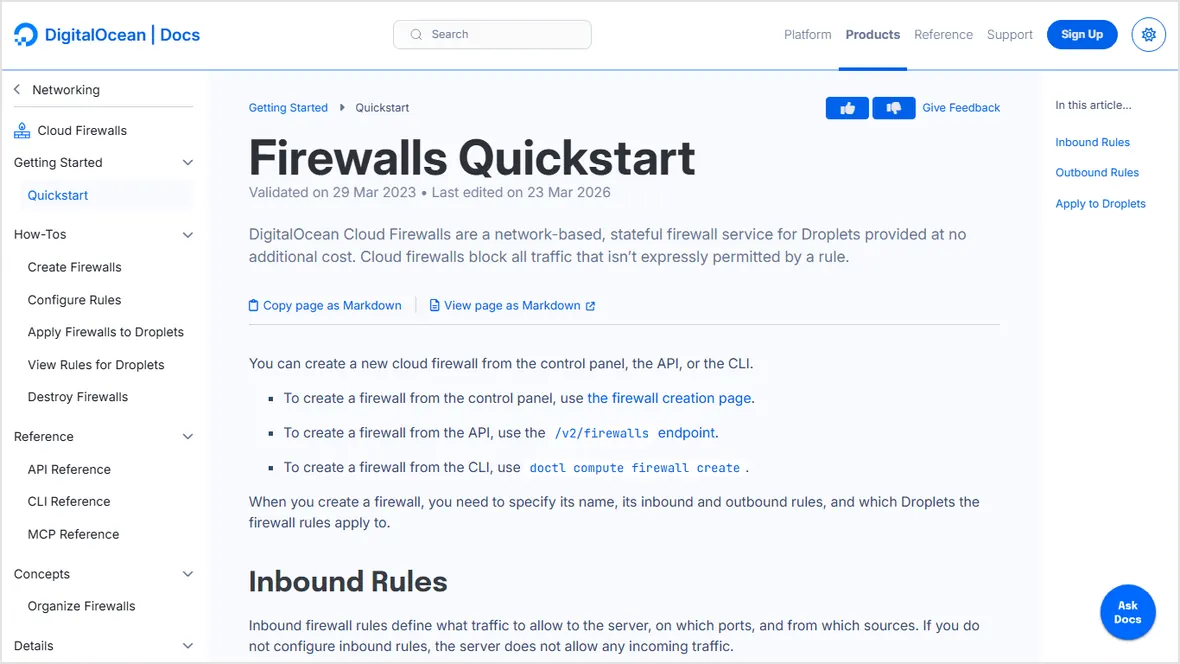
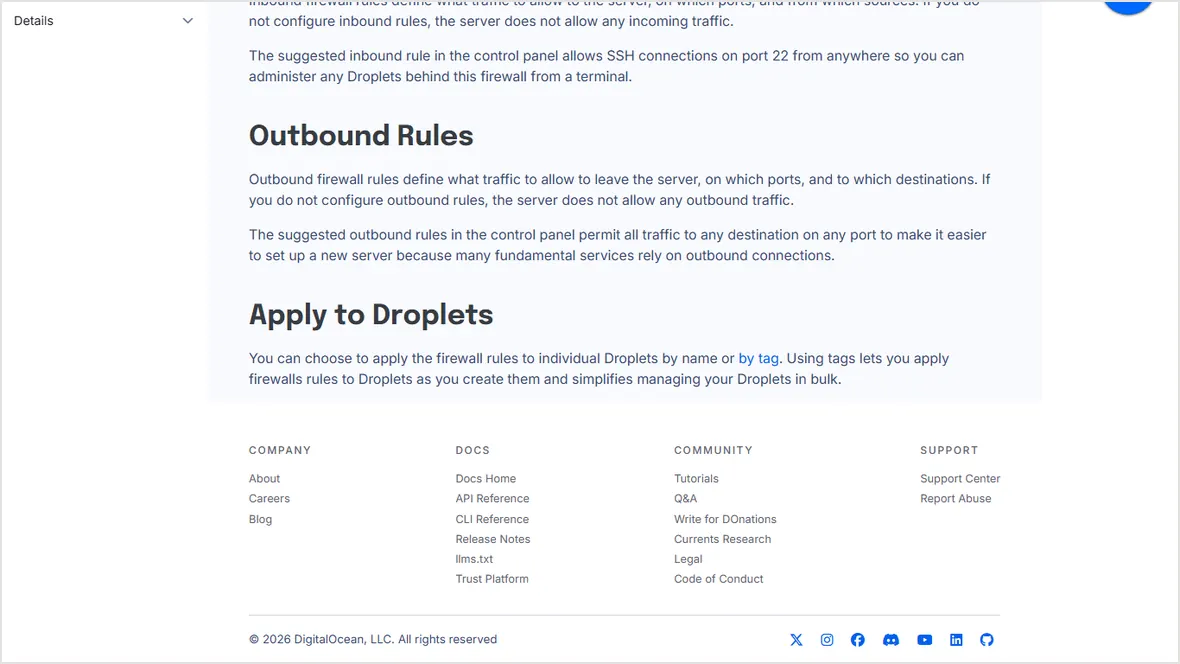
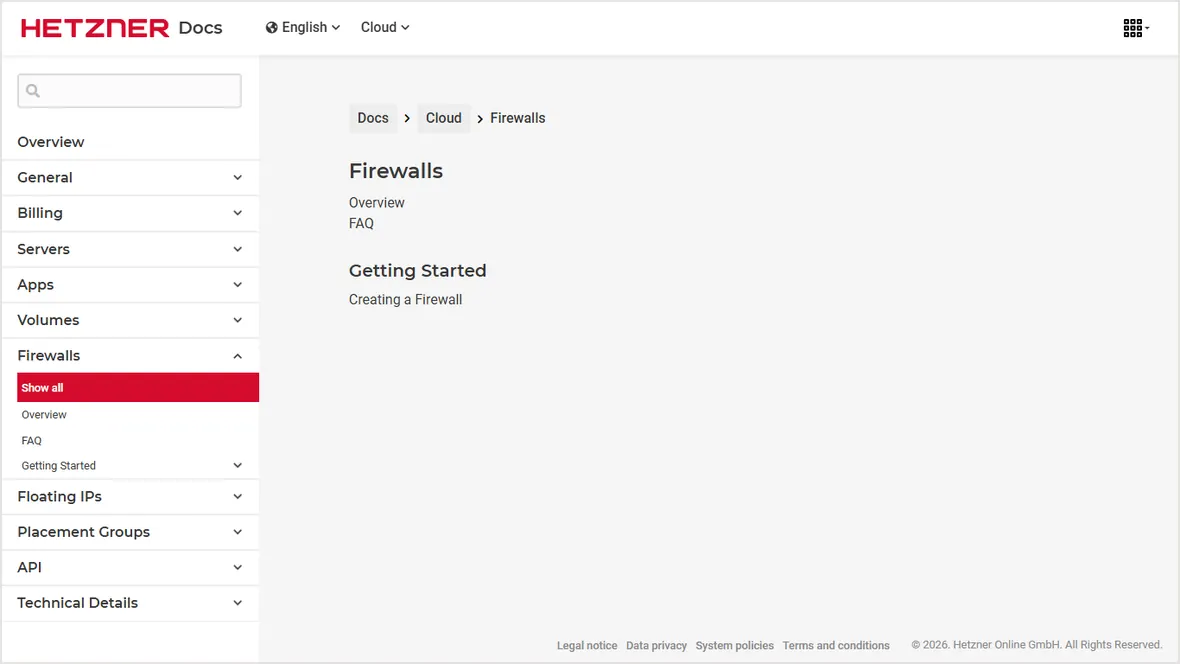
2. Add provider firewall rules first
A provider firewall blocks traffic before it reaches the server. Add SSH first, test access, then add HTTP and HTTPS when the web stack is ready.
3. Enable the server firewall
sudo apt update
sudo apt -y install ufw
sudo ufw allow OpenSSH
sudo ufw allow 80/tcp
sudo ufw allow 443/tcp
sudo ufw enable
sudo ufw status verboseKeep one working SSH session open while enabling UFW. Test a second SSH login before closing it.
4. Verify from outside the server
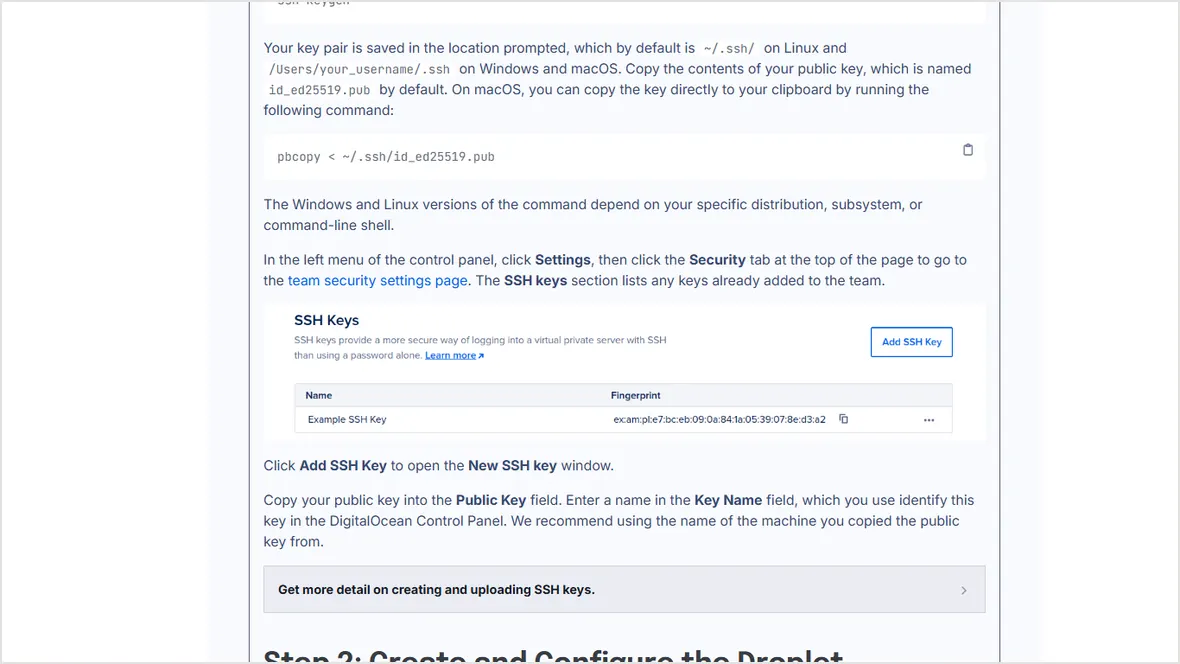
ssh deploy@SERVER_IP
curl -I http://example.com
curl -I https://example.com
sudo ufw status numberedYou can still log in from an allowed IP.
HTTP and HTTPS respond only after the web stack is ready.
Database and cache ports are not publicly exposed.
You know how to disable provider rules or use console recovery if access breaks.
Official sources checked
Used for provider firewall setup and port rules.
Used for production firewall sequence context.
Used for provider firewall context.