
How to point a domain to a VPS
A VPS doesn't automatically receive your domain. DNS needs the correct A record, optional www CNAME, firewall rules, web server vhost, and SSL.
 By WebHostWatch editors
Updated April 28, 2026
By WebHostWatch editors
Updated April 28, 2026
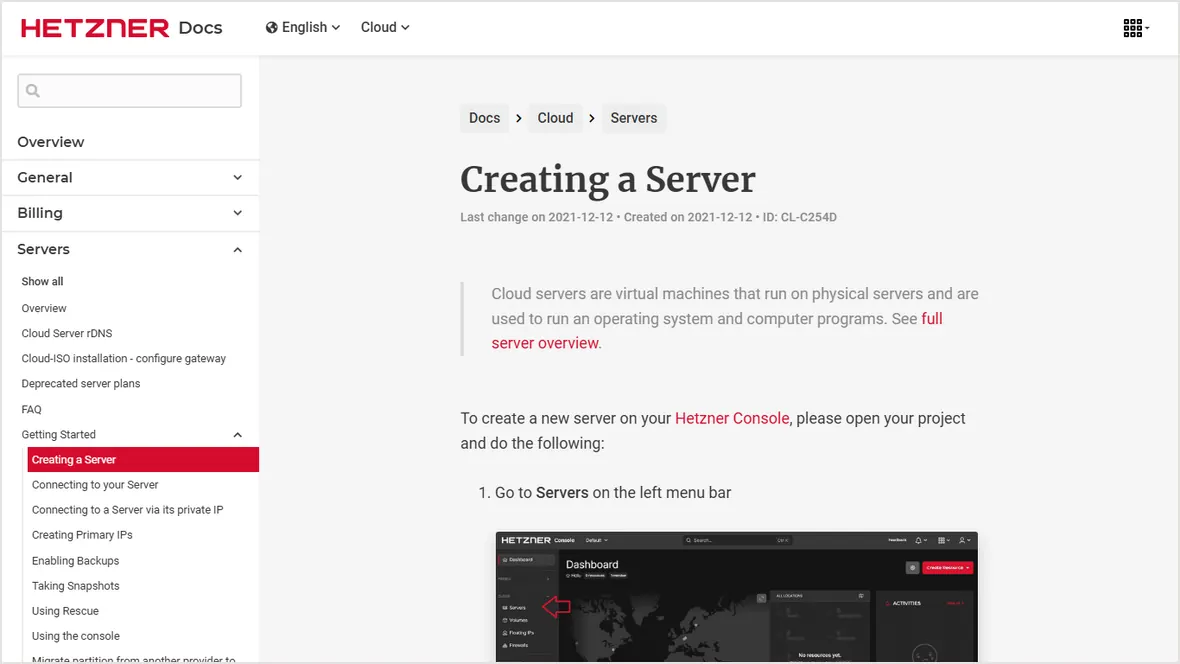
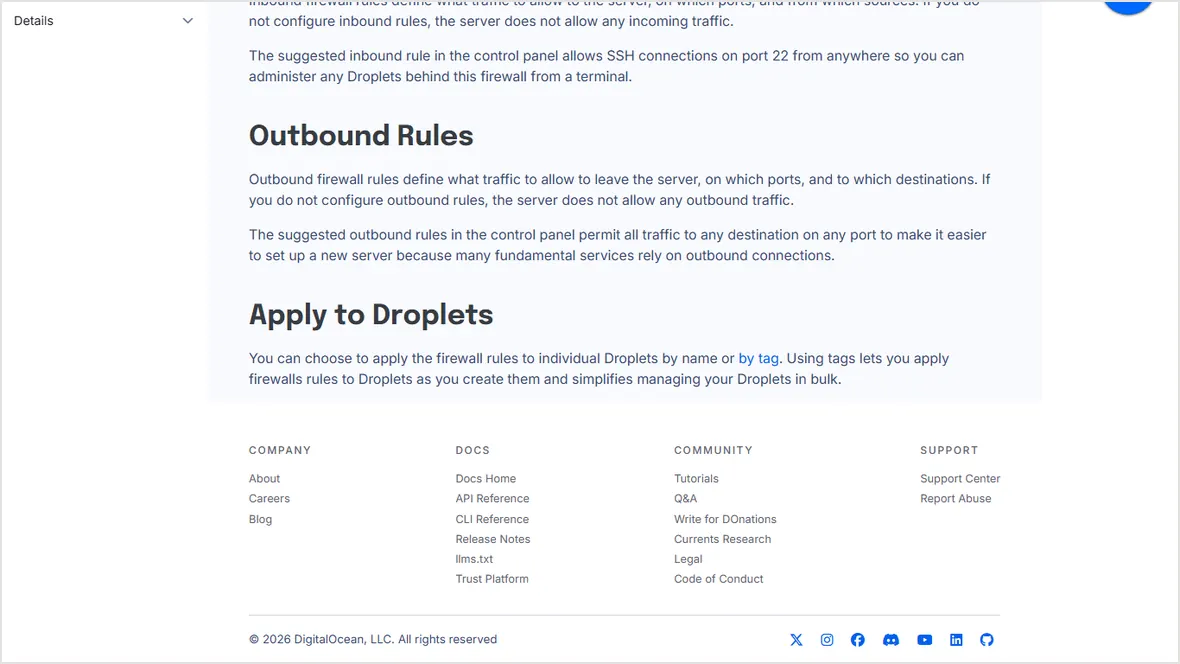
1. Confirm the VPS public IP and firewall
Use the IPv4 address assigned by the VPS provider. Make sure provider firewall and server firewall allow HTTP and HTTPS before expecting the domain to load.
2. Create the domain records
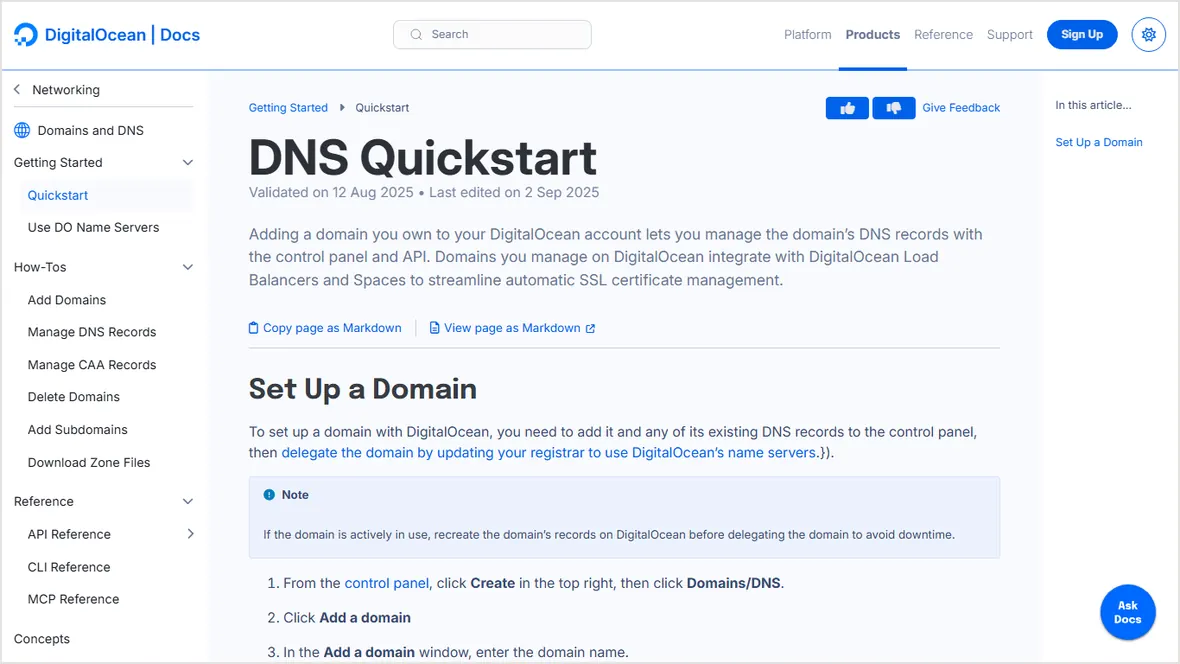
example.com A SERVER_IP
www.example.com CNAME example.com
Keep email records unchanged unless email is also moving. If Cloudflare is used, disable proxying until the origin server and SSL are working.
3. Configure the web server or panel for the domain
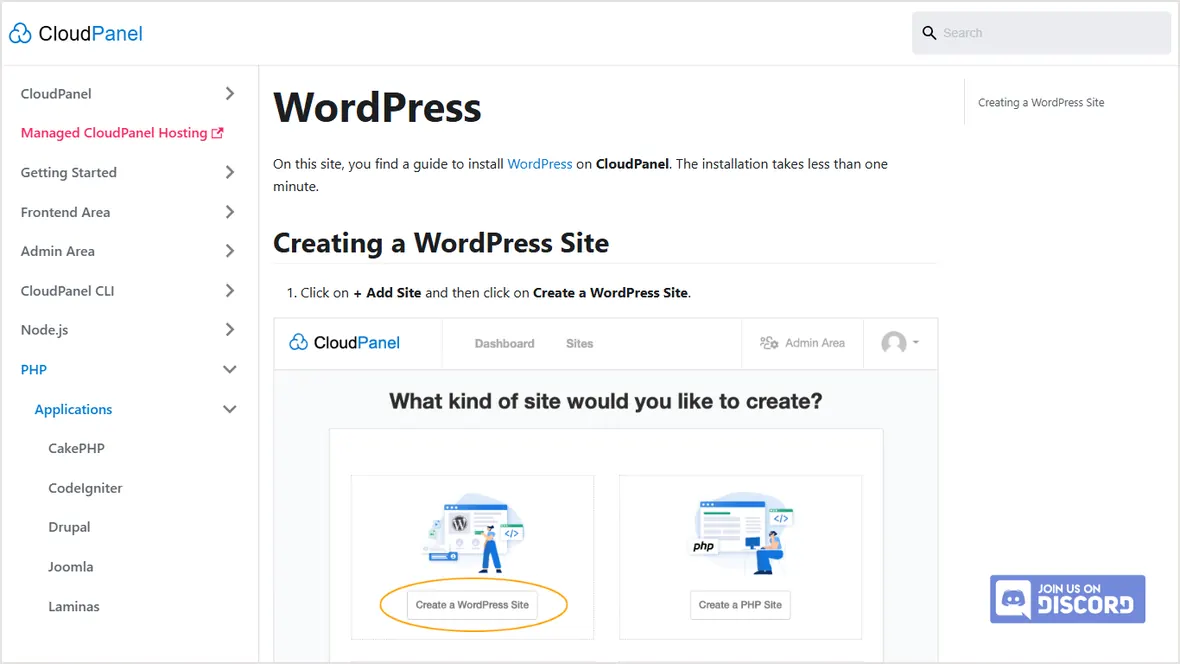
Create the site inside Nginx, Apache, CloudPanel, HestiaCP, SPanel, or your chosen panel. DNS alone doesn't tell the web server which site to serve.
4. Issue SSL and test redirects
dig +short example.com
curl -I http://example.com
sudo certbot --nginx -d example.com -d www.example.com
curl -I https://example.com
Wait until the domain resolves to the VPS before requesting SSL. Then verify both root and www versions redirect to the intended HTTPS URL.
Official sources checked
Used for VPS DNS setup context.
Used for public web port context.
Used for VPS public IP and creation context.
Used for panel-based site creation context.