
How to move WordPress to a new host
A good migration is a controlled cutover, not a blind copy. Back up first, test on the new host, then change DNS only when the site works.
 By WebHostWatch editors
Updated April 28, 2026
By WebHostWatch editors
Updated April 28, 2026
1. Back up the old WordPress site
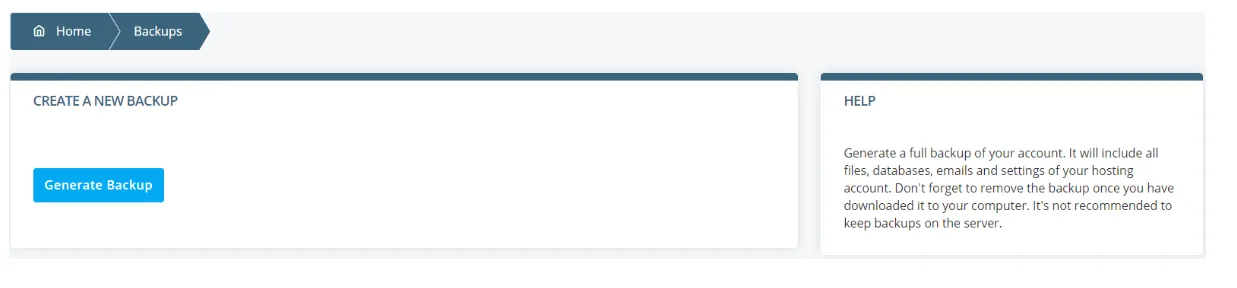
Export the database, copy wp-content, record PHP version, permalink settings, active plugins, cron jobs, email routing, and CDN settings. Do this before installing anything on the new host.
2. Copy files and database to the new host
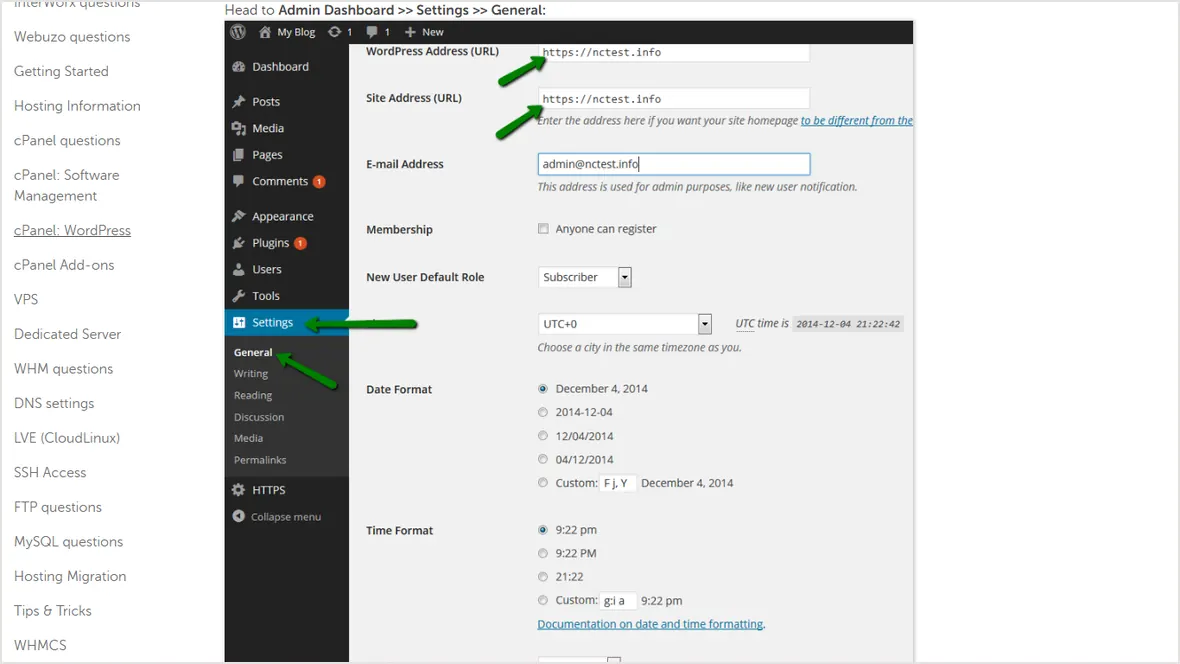
Use the host migration tool when available. For manual moves, copy wp-content, import the database, update wp-config.php database values, and keep the old site unchanged until testing is complete.
3. Test the new copy before DNS changes
Log in, update permalinks, and verify users.
Check image uploads, downloads, and generated thumbnails.
Submit contact, lead, checkout, and account forms.
Disable duplicate cache layers until the new site is stable.
4. Change DNS, enable SSL, and keep rollback open
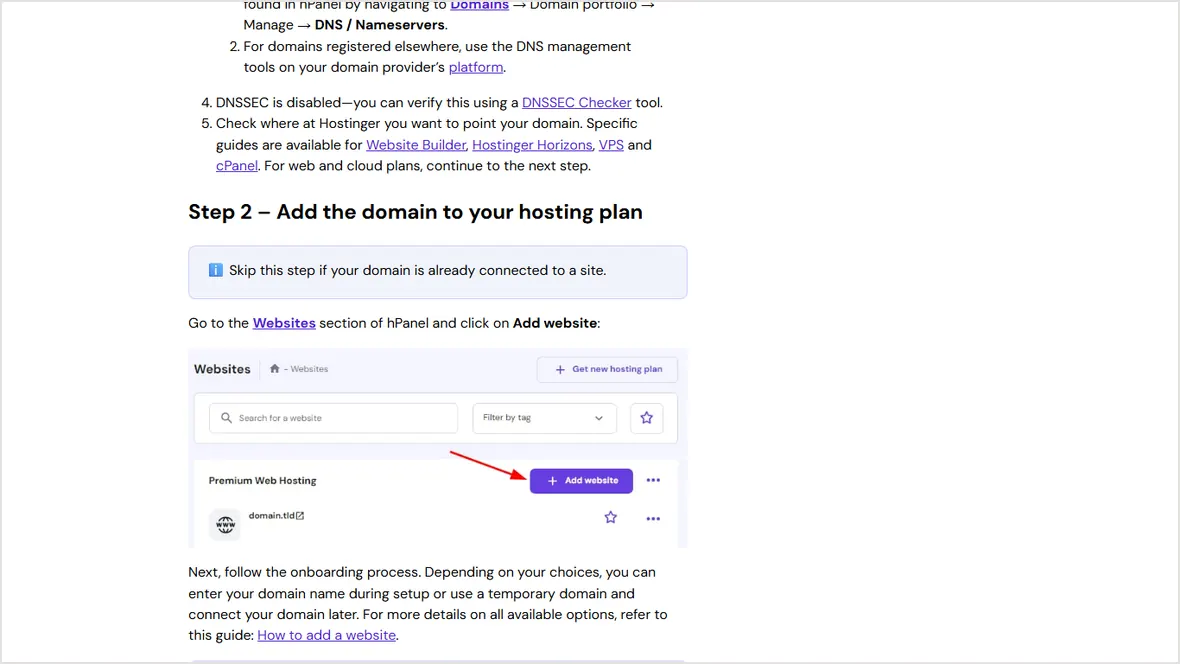
Point the domain to the new host, issue SSL, clear mixed content, and keep the old hosting account active for at least a day. If the new site breaks, switch DNS back while the old site is still available.
Official sources checked
Used for WordPress migration and feature checklist context.
Used for DNS cutover sequence.
Used for HTTPS and mixed-content migration checks.
Used for backup workflow context.