
How to back up a WordPress site
A WordPress backup needs files, database, off-server storage, and a restore test. A dashboard that says backup exists is not enough.
 By WebHostWatch editors
Updated April 28, 2026
By WebHostWatch editors
Updated April 28, 2026
1. Back up both files and database
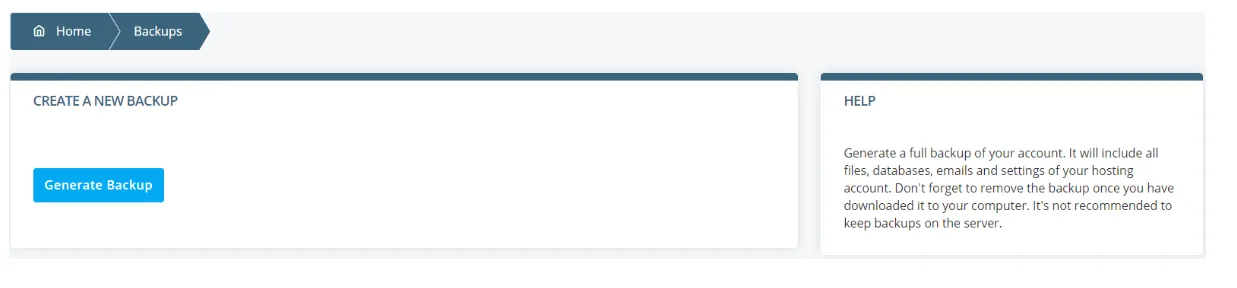
The files hold WordPress core, plugins, themes, uploads, and configuration. The database holds posts, pages, settings, users, orders, and form entries. You need both.
2. Store a copy off the hosting account
Host-level backups are useful, but one copy should live somewhere else: object storage, cloud drive, remote backup service, or another server. This protects against account, disk, malware, and billing problems.

3. Run a restore test
Restore to staging, a temporary folder, or a spare server. Verify login, homepage, media library, forms, checkout, and plugin settings. Record the steps that worked.
If no one has restored it, the backup is still an assumption.
4. Match schedule to site risk
Weekly backups may be enough if content changes rarely.
Daily database backups reduce content loss.
Order data may require frequent or real-time database protection.
Run a manual backup before theme, plugin, PHP, or WordPress core updates.
Official sources checked
Used for WordPress and backup panel context.
Used for backup feature checklist context.