
How to add VPS backups and monitoring
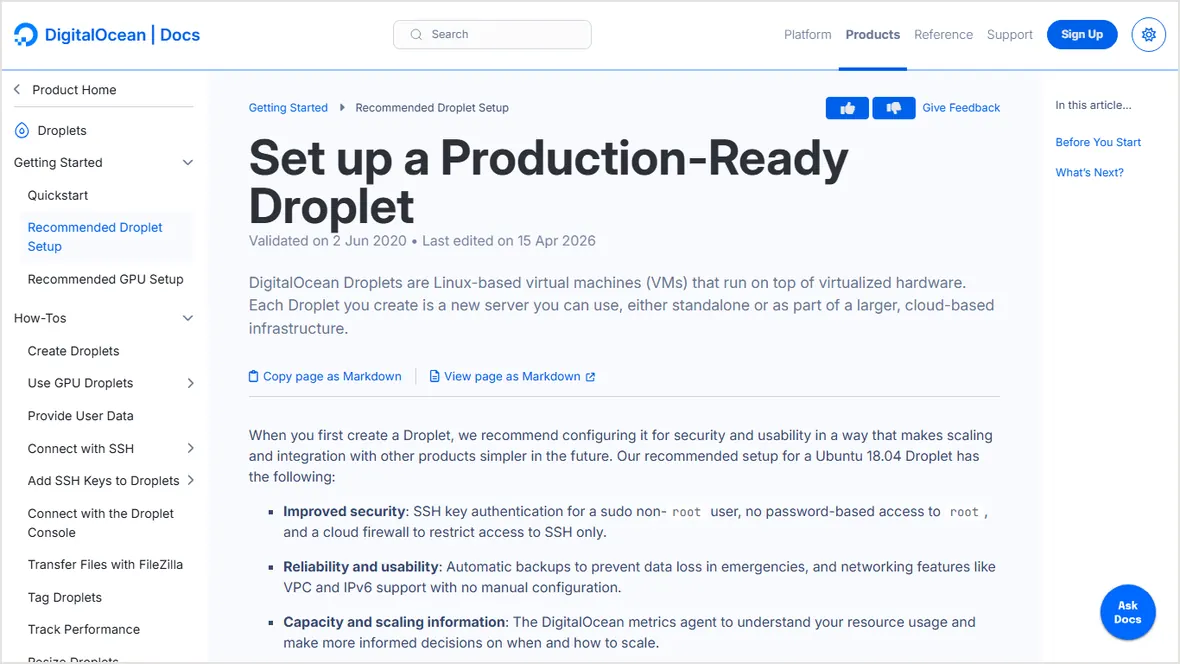
A VPS is not reliable until backups are off-server, monitoring is active, alerts go somewhere useful, and restore has been tested.
 By WebHostWatch editors
Updated April 28, 2026
By WebHostWatch editors
Updated April 28, 2026
1. Decide what backup type protects the workload
Provider snapshots
Good for quick server rollback, but often tied to the provider account and region.
File and database backups
Better for WordPress and apps because individual sites can be restored without rolling back the whole VPS.
Off-server storage
Required for real recovery if the VPS account, disk, or region has a problem.
Retention
Keep enough daily and weekly history to recover after delayed malware, bad updates, or accidental deletes.
2. Test restore before launch
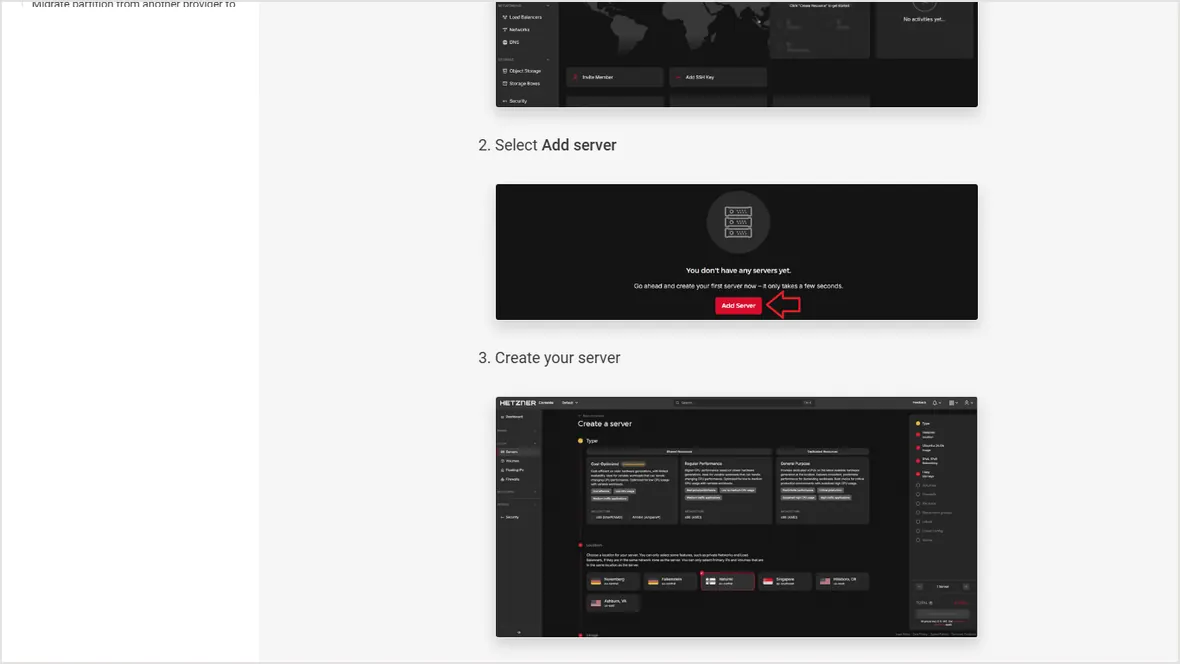
Backups are not proven until a restore works. Restore to a temporary server, staging site, or separate directory and verify files, database, uploads, and configuration.
# Minimum restore notes to keep
backup location
database dump location
restore command or panel path
DNS rollback path
admin login recovery pathA provider snapshot alone is not enough for most business sites. Keep app-level backups outside the VPS as well.
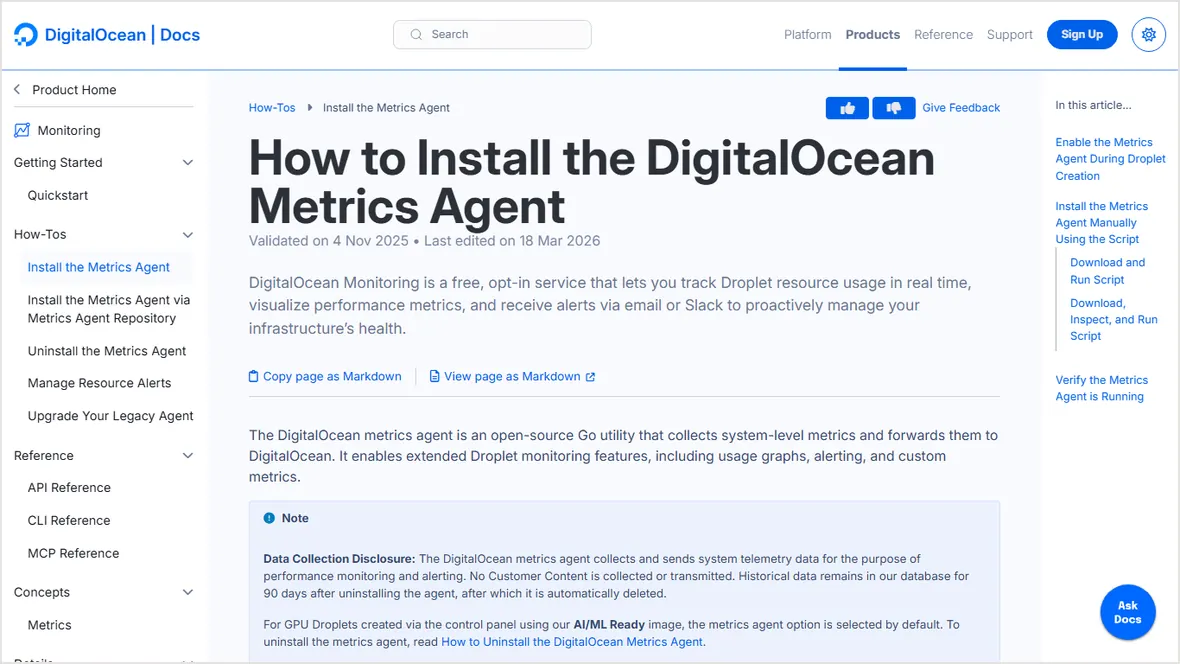
3. Install monitoring and collect history
Monitoring should start before launch so normal CPU, memory, disk, and bandwidth patterns are visible. Add uptime and SSL checks from outside the VPS.

4. Send alerts somewhere someone will see them
Alert before disk reaches the point where databases or logs break the server.
Alert when swap or memory pressure becomes abnormal.
Alert when the site returns 5xx, times out, or redirects incorrectly.
Alert when a backup job fails or the newest backup is older than expected.
Official sources checked
Used for production backup and monitoring sequence context.
Used for monitoring setup context.
Used for server creation and recovery assumptions.
Used for configurable VPS context.